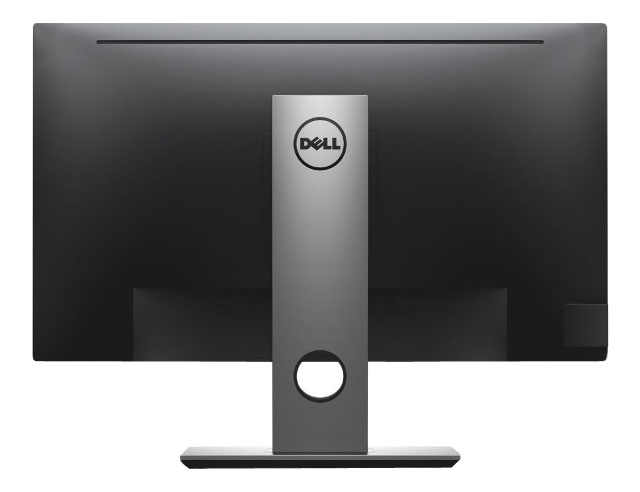
Dell P2717H 27" Monitor YKNFG 662C1 - A
Description
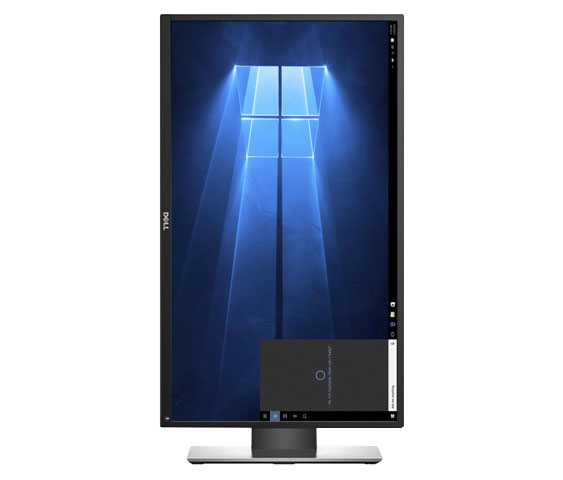
Dell P2717H 27" LED LCD IPS 1920x1080 Resolution Display Monitor. Dell 27 Monitor | P2717H brings greater productivity to the workplace with added user comfort and convenience.
Dell Part Numbers: YKNFG 0YKNFG CN-0YKNFG 662C1 0662C1 CN-0662C1
Model Number: Dell P2717H
Included:
1x Monitor
1x Stand
1x Power Cord
1x DP Cable
1X VGA Cable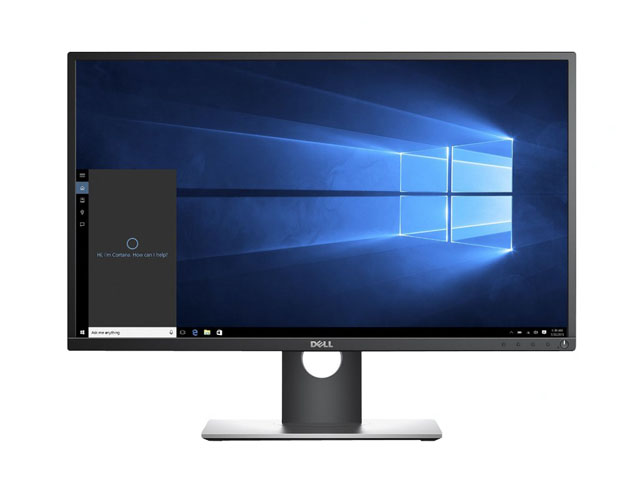
Specifications:
Display
Diagonal Viewing Size:
68.58 cm
27.0 Inches
Preset Display Area (H x V):
597.92 mm x336.30 mm
(23.54" x 13.24")
201073.77 mm² (311.65 inches²)
Aspect Ratio:
(16:9)
Backlight Technology:
LED
Display Screen Coating:
Antiglare with 3H hardness
Panel Type:
In-Plane switching Technology
Maximum Preset Resolution:
1920 x 1080 at 60Hz
Viewing Angle:
(178° vertical / 178° horizontal)
Contrast Ratio:
1000: 1 (typical)
4 Million: 1 (Dynamic)
Pixel Pitch:
0.311 mm x 0.311 mm
Pixel Per Inch (PPI):
82
Brightness:
300 cd/m² (typical)
Response Time:
6ms (gray to gray)
Wireless Charging Feature:
NA
G-SYNC Suupport:
NA
PbP/PiP:
PbP (No)
PiP (No)
Daisy Chain Availability:
No
Dell Display Manager Compatibility:
Yes
Remote Asset Management:
Yes, via Dell Command |Monitor
Color Support:
Color Gamut (typical): 82% (CIE 1976), 72% (CIE 1931)
Color Depth: 16.7 Million colors
Color Calibration SDK SW:
No
Color Calibration with X-rite colorimeter:
No
Audio Output:
Optional Soundbar - (AC511)
Connectivity
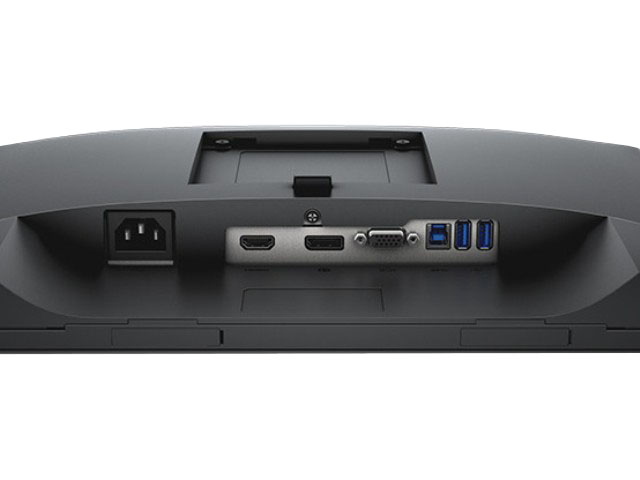
1 x DP (ver 1.2)
1 x HDMI (ver 1.4)
1 x VGA
1 x USB 3.0 port - Upstream
2 x USB 3.0 ports - Side
2 x USB 2.0 ports - Bottom
Built-in Devices:
USB3.0 super-Speed Hub (with 1 x USB upstream port, 2 x USB3.0 and 2 x USB 2.0 downstream ports)
Power
Voltage Required:
100 to 240 VAC / 50 or 60 Hz ± 3Hz / 1.5 A (typical)
Power Consumption (Operational):
23W (typical) /55W (maximum)**/64.04kWh (Energy Star)
Power Consumption Stand by / Sleep:
Less than 0.3W
Size and Weight
Height with stand (Compressed ~ Extended):
415.3 mm ~544.9 mm
16.35" ~21.45"
Width:
621.1 mm
24.45"
Depth:
200.3 mm
7.89 inches
Height without stand:
366.1 mm
14.41"
Width without stand:
621.1 mm
24.45"
Depth without stand:
50.3mm
1.98"
Weight (panel only - for VESA mount):
4.58 kg
10.10 lb
Weight (with packaging):
9.76 kg
21.52 lb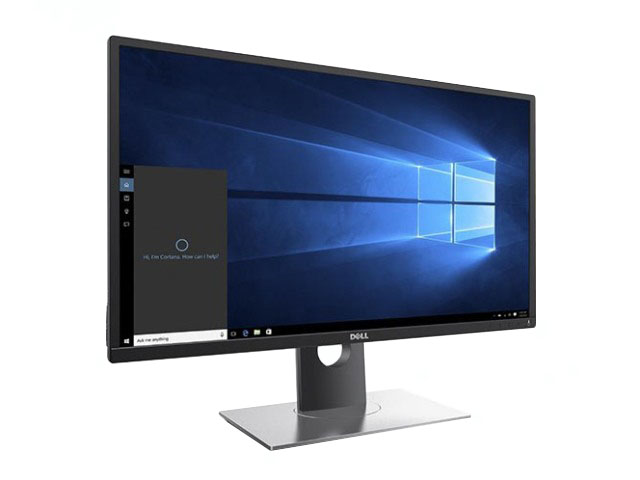
Features:
Purposefully designed for comfort and convenience.
Easily adjust your monitor to your desired angle, height, and position so you can enjoy great visuals across multiple monitors with no hassle.
- A more seamless workflow: Slim borders create a smoother and less obstructed visual experience when working across multiple monitors.
- Versatility you can count on: Enjoy full adjustability to pivot, tilt, adjust the height, and swivel your monitor to your exact preference.
- More ways to stay connected: Multiple connectivity ports on the bottom and side of the monitor allow you to easily connect to various devices.
Enhanced viewing experience
The Dell 27 Monitor | P2717H is perfect for professionals who work long hours and depend on a monitor that will display stunning visuals without inducing eye fatigue.
- Complete clarity: get excellent picture quality with consistent colour representation across an ultra-wide viewing angle and a high 4 million: 1 dynamic contrast ratio.
- Work comfortably with less stress: Dell's ComfortView feature helps to reduce harmful blue light emission onscreen and with direct current, a flicker-free viewing experience is enabled.
- A more fluid workspace: With Dell Easy Arrange, you can easily tile and view your software applications side by side.