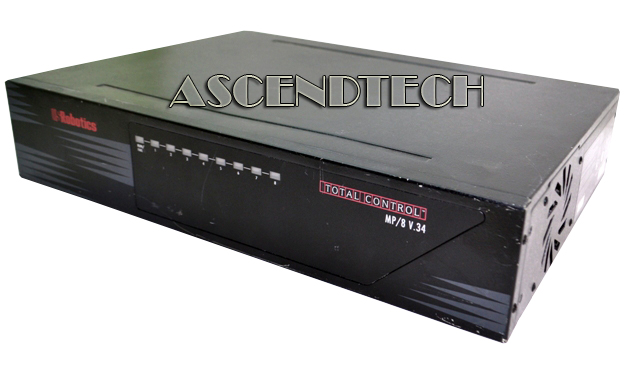
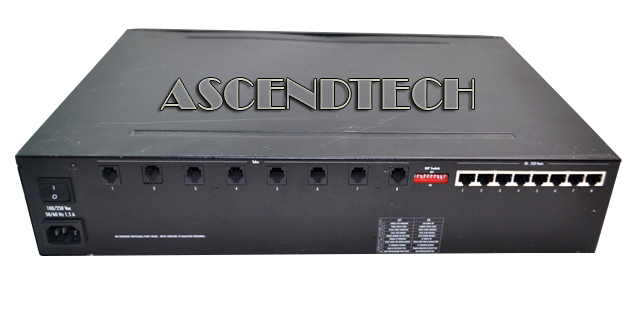
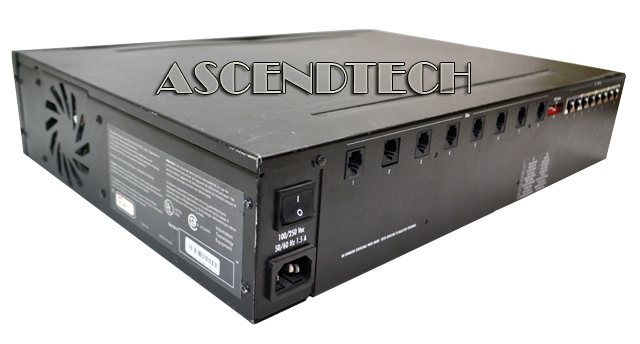
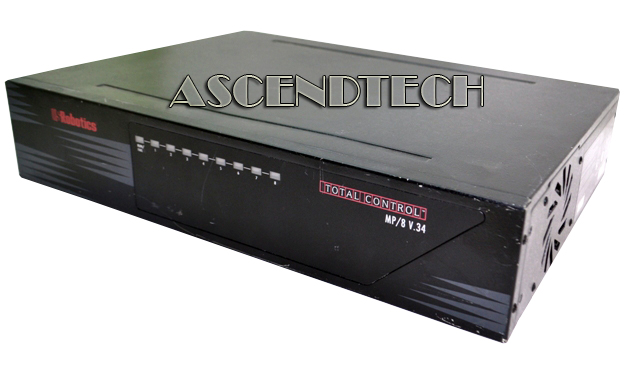
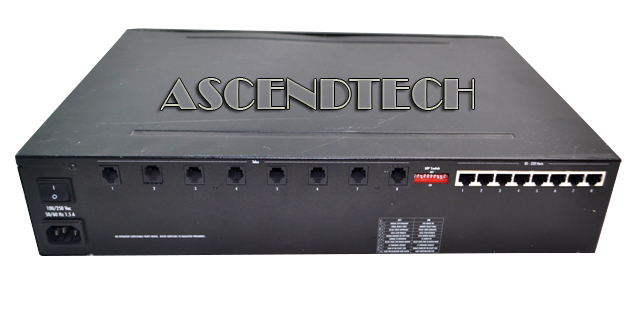
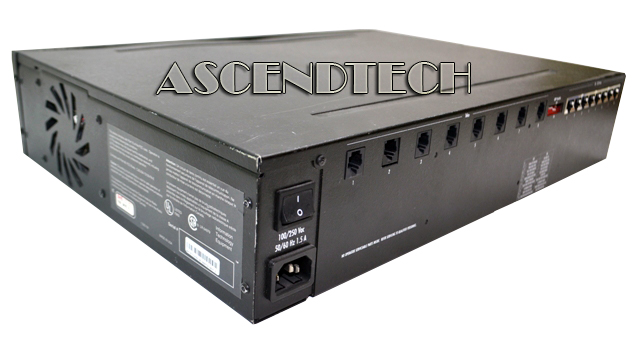
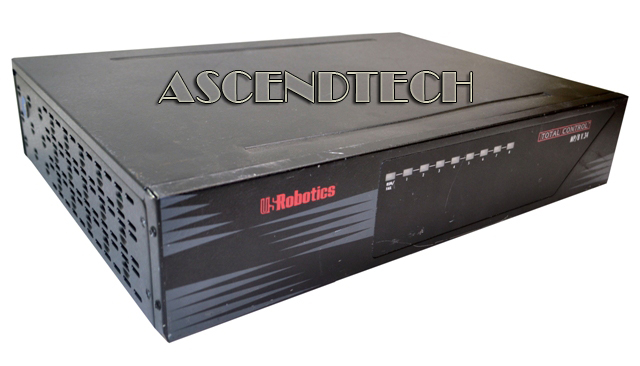
US Robotics 8-Port Switch MP/8 V.34
We apologize but this item is currently unavailable. Please feel free to browse our website for other available items.
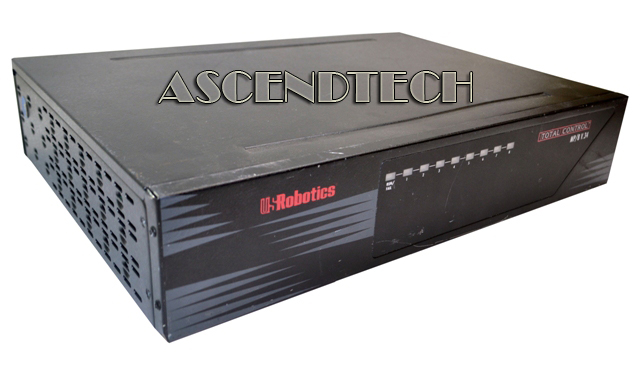
Item Code NETUSROBOTICSMP
Brand Us Robotics
Model USROBOTICS MP/8 V.34
Category Network Switches & Management
Condition Pre-Owned Grade B
Condition Description Please note, this item is used and has minor scuffs and scratches, but is fully tested & completely operational. This unit does not come with AC adapter, cables or any other accessories!
Description
US Robotics 8-Port Total Control Managed Ethernet Switch MP/8 V.34. The Simple Network Management Protocol (SNMP) is a widely supported management protocol that provides remote control and monitoring of network devices such as the MP/8. The MP/8 modem pool integrates eight modems for dial-up access to terminal servers, front-end processors, bulletin boards, email, or other resources. SNMP management allows you to operate the MP/8, monitor line activity, and perform dial-up accounting from across a LAN or WAN (dial-up) connection.
Model Number: USROBOTICS MP/8 V.34
Specifications:
| SNMP Agent | A special SNMP agent contained in the MP/8 interprets SNMP commands and relays them to the managed objects in the MP/8. |
| Management Station | As a network manager, you are responsible for setting up the Management Station, a PC running SNMP management software from which you manage the MP/8 and other devices in your network. |
| SNMP Management Software | SNMP management software runs on the Management Station (MS), and serves as a user interface for issuing SNMP commands to all managed network devices, including the MP/8. |
| SNMP Commands | There are three SNMP commands: Get, Set, and GetNext. The Management Station issues SNMP commands to set parameters or perform other actions on a managed device. |
| Management from a LAN | The LAN port on the MP/8 allows you to establish an SNMP connection over a LAN. |
| Dial-up Management | The Console port allows SNMP management over dial-up SLIP connections from Management Stations in remote locations |
| Direct Management | A local SLIP connection can be made by connecting the Management Station to the MP/8’s Console port using a standard, EIA RS-232 connection. |